Cynus Chess for iOS
Official Manya/Cynus iPhone app.

Can't find it? Search for "Cynus Chess".


Install the official Manya/Cynus app, review how connected real-board play works, open manuals, and explore clearly labeled third-party compatibility resources.

Use the official app for app-connected play and updates. Built-in offline AI can be started directly from the board without the app.
Pair the robot, choose a mode, and keep app-connected play tied to the physical board.
The app integrates Stockfish 18. The robot's built-in engine version is not published.


Official Manya/Cynus iPhone app.
Can't find it? Search for "Cynus Chess".
For users comfortable with Android sideloading. Install only from the linked ManyaSpace source.
Open source-linked APK Google Drive via ManyaSpaceSource details pending. Version and SHA-256 are not yet published.
These ManyaSpace-referenced or publisher-listed tools are separate from the official app. Availability, setup, accounts, updates, and support remain with each publisher.
Cynus can connect through source-referenced third-party tools for online human play. This is not a direct board-to-board connection: each player joins through a supported service and compatible setup.
Prepare the boards. Each player uses a physical electronic board supported by the selected service.
Connect separately. Each player pairs their board through a supported tool and signs in to the required online account.
Start the same game. Invite a friend or join the agreed online match inside that service.
Return to the board. Make moves with real pieces; Cynus can bring received opponent moves back to the table when the integration supports that workflow.

Chessconnect currently lists Manya Cynus support and connects compatible boards to online chess platforms. For the current beta workflow, start with the Chrome extension, then follow the multilingual Lichess setup guide. Accounts, setup, availability, updates, and support remain with Chessconnect.


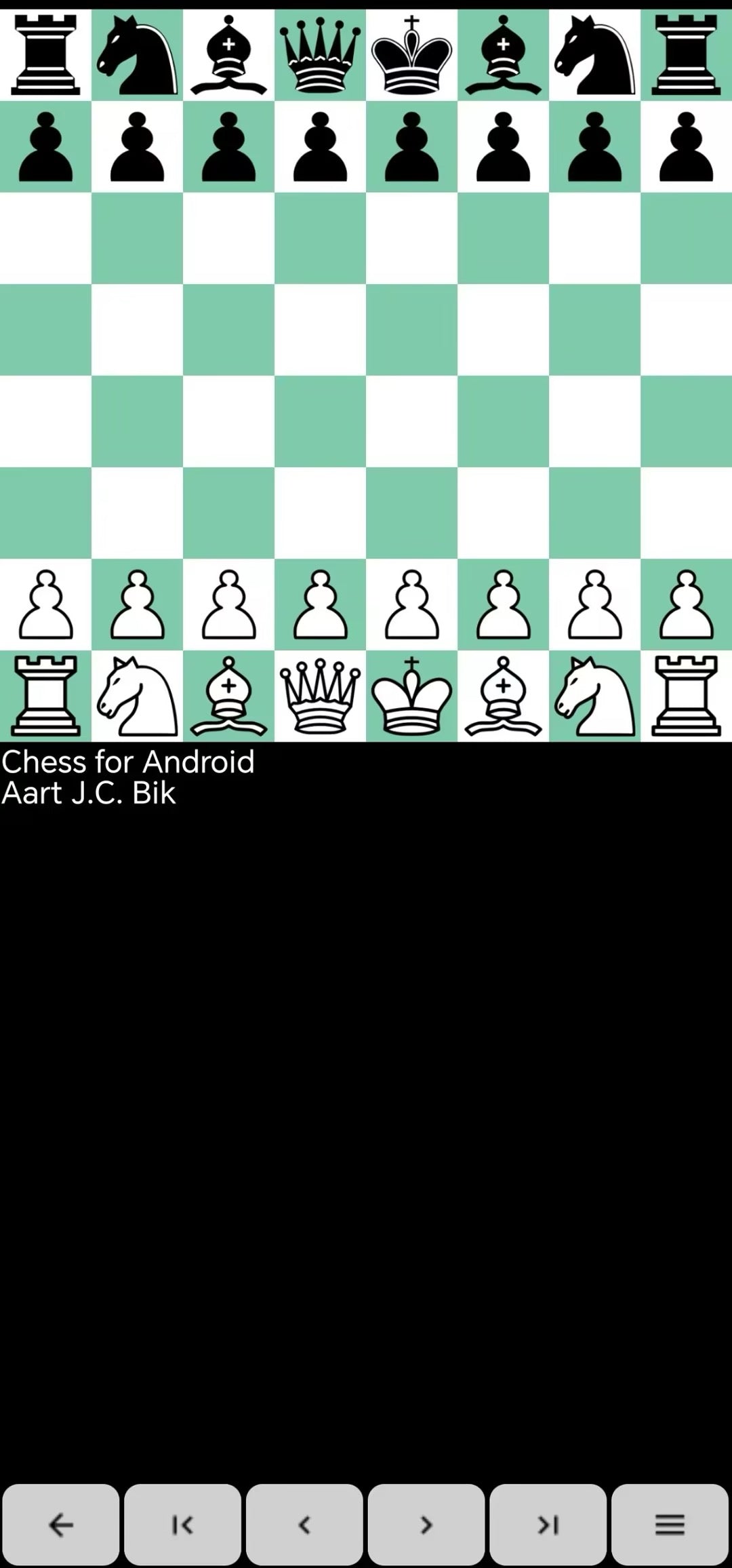
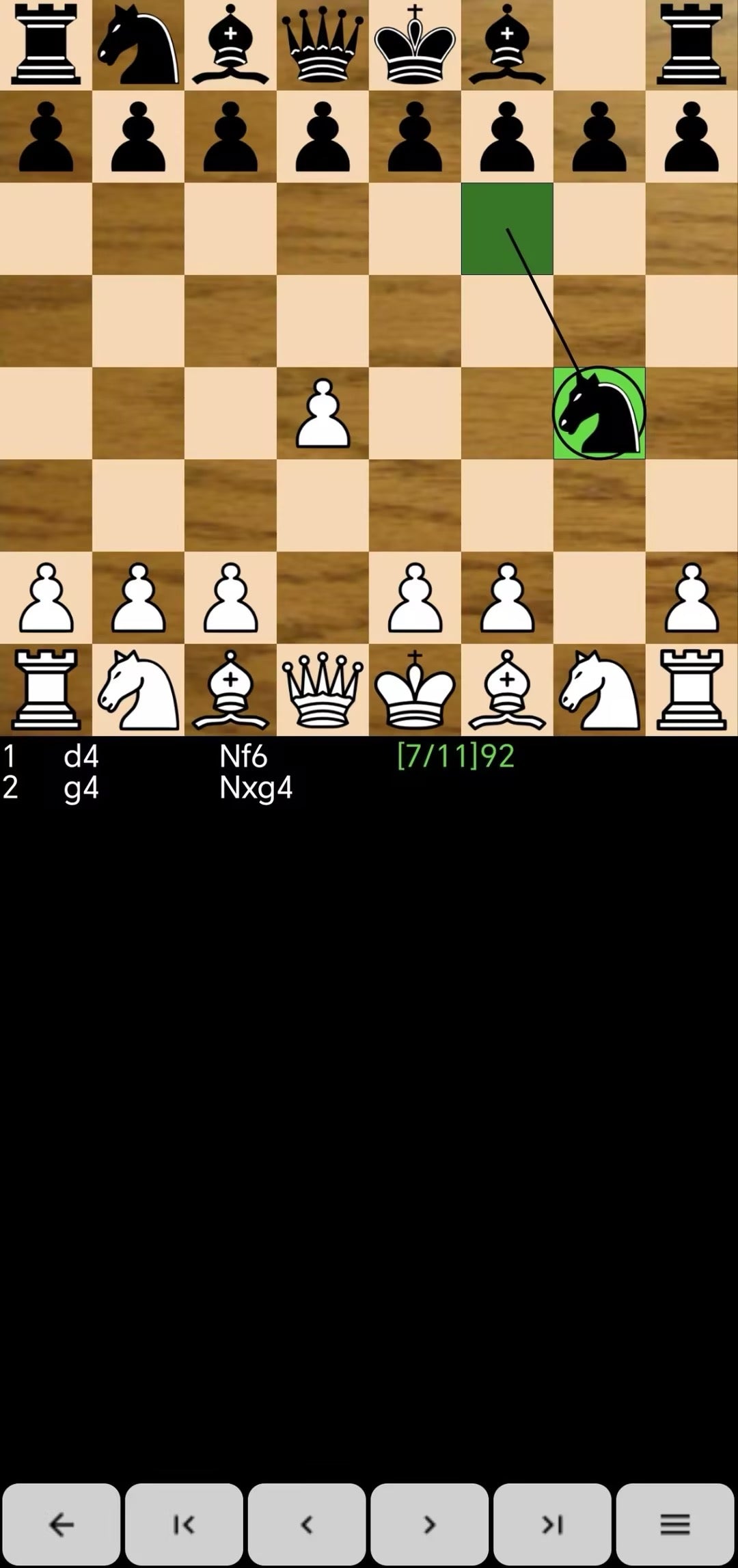
Android chess GUI resource referenced by ManyaSpace for advanced mobile chess workflows.

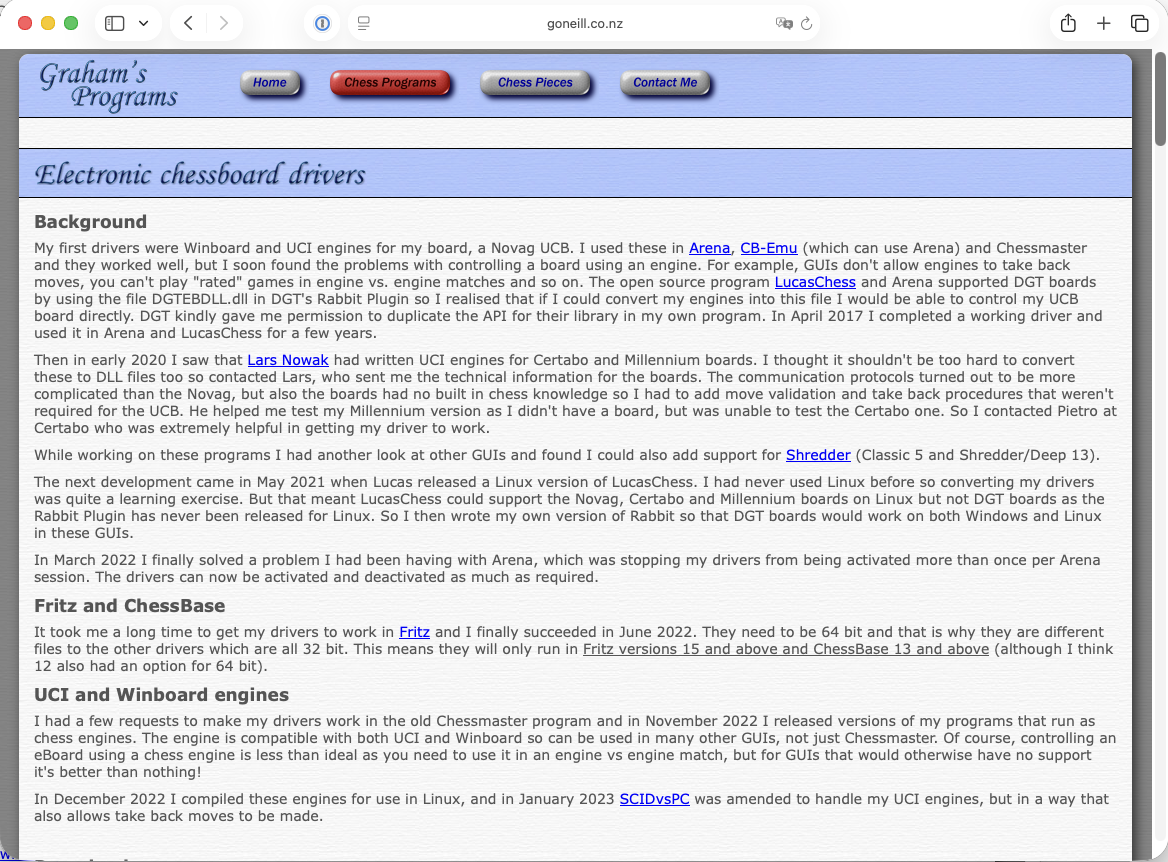
Desktop driver resource referenced for compatible chess software workflows.

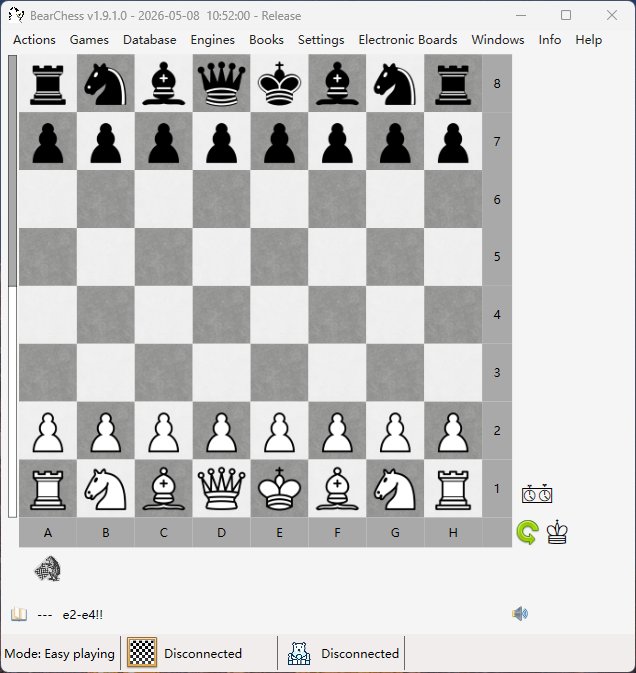
BearChess currently lists support for Manya Cynus on the publisher website.
Community Bluetooth LE gateway by Dirk D. Sommerfeld using an ESP32-S3 bridge for ChessLink-compatible software.
Community Python interface by Henk Massink for Windows play against Stockfish, with PNG backup and scan-mismatch recovery features.
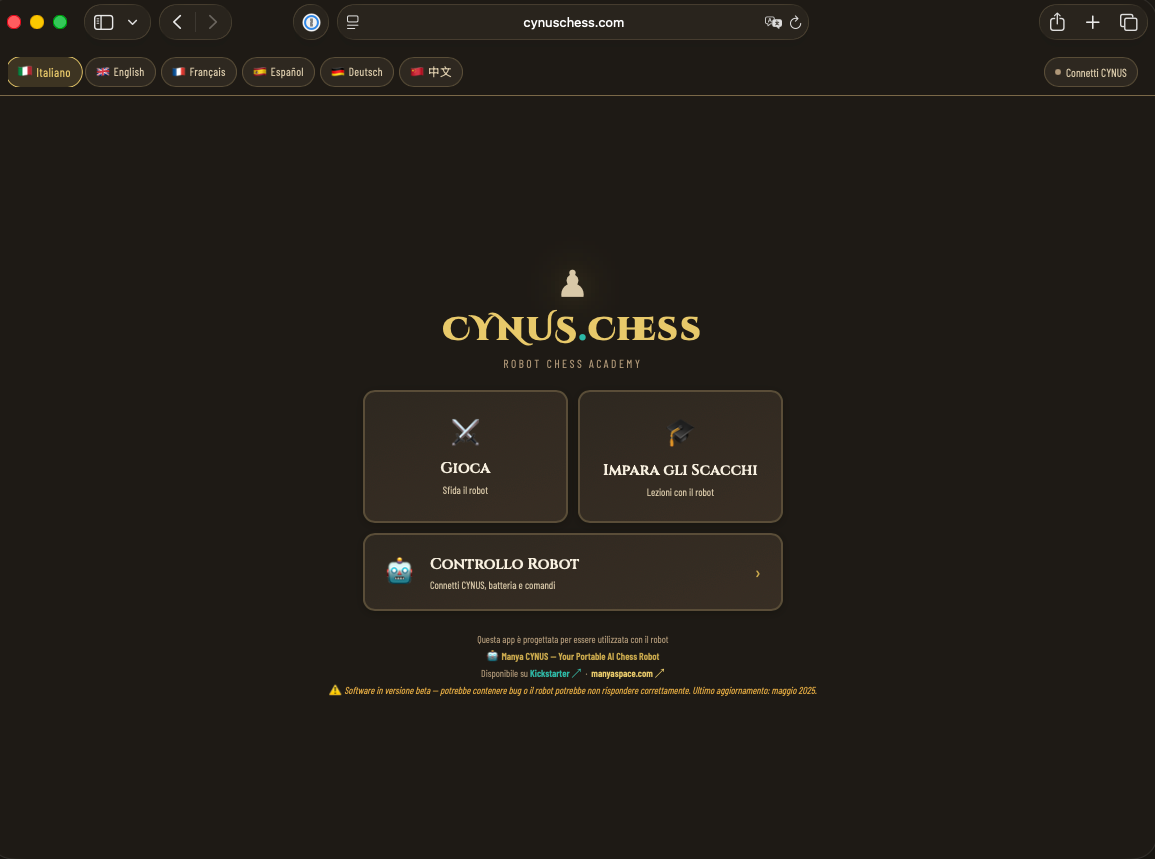
ManyaSpace-referenced browser path that connects directly to Cynus over Bluetooth in Chrome or Edge.
Third-party tools are compatibility references, not Chess Robot Shop products. Verify current requirements and support with the publisher.
Use the available official setup, update, and developer files as needed. Source availability is shown for each resource.
Official ManyaSpace quick-start PDF for first setup reference.
Official ManyaSpace upgrade PDF for firmware or app updates. The current guide requires Bluetooth and Location permissions on the phone.
Official BLE protocol v3.9 reference linked from ManyaSpace. Full feature support requires firmware v1.4.2 or later.
Python demo file.
Use the contact page to route app, firmware, troubleshooting, warranty, repair, and after-sales questions to the right team.